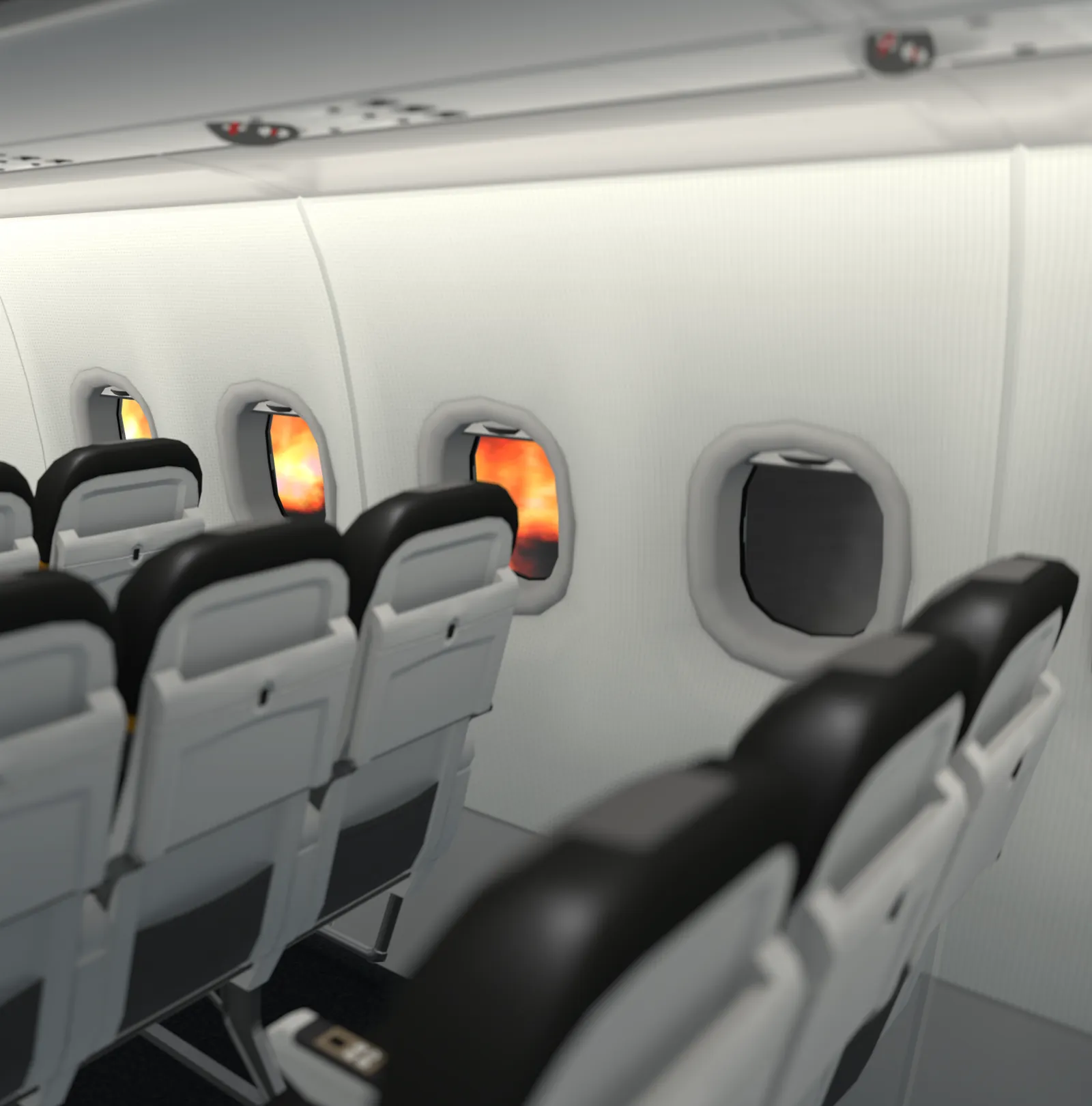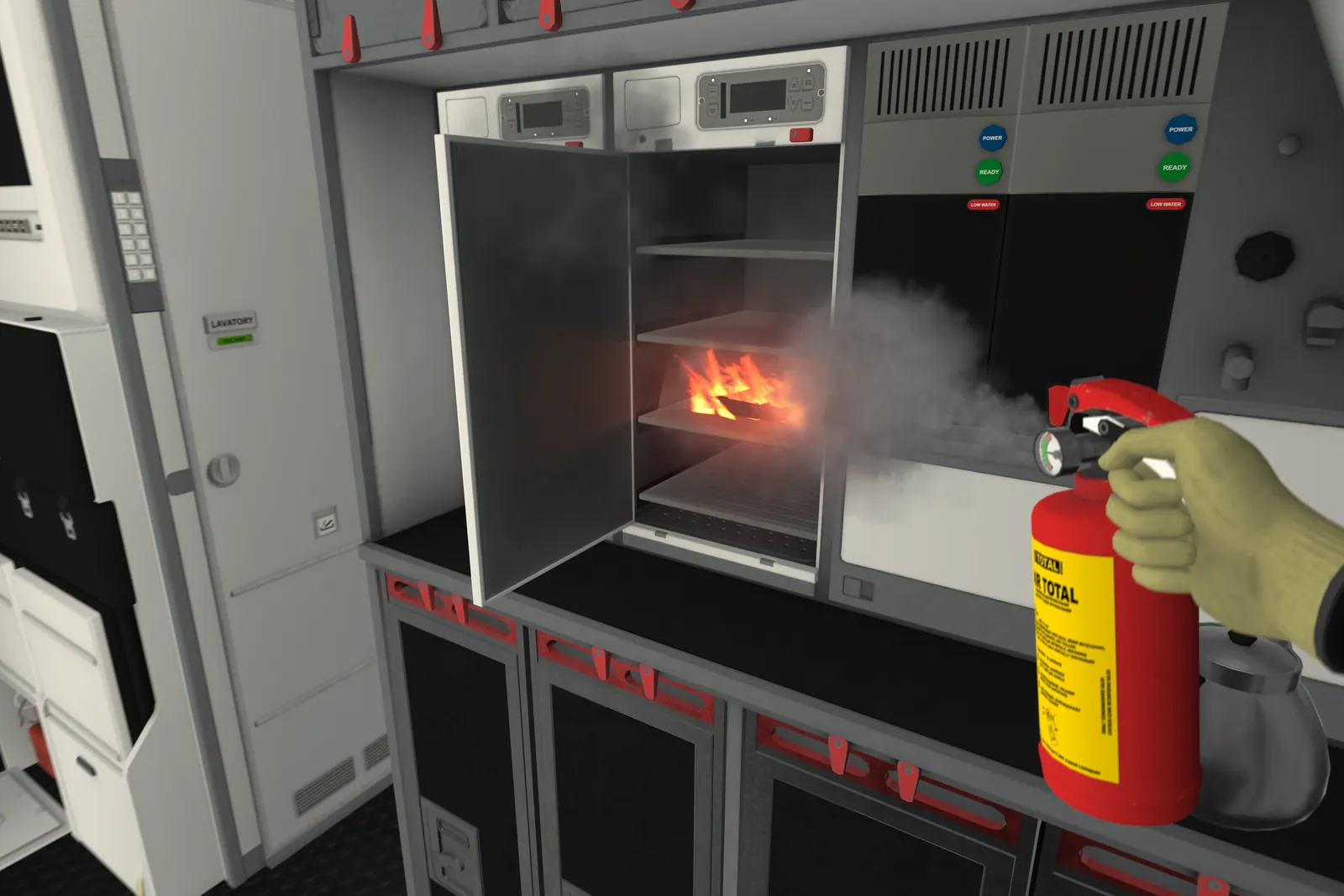
Real extinguisher, radiant heat
AirVR Fire Trainer
Firefighting drills with the weight of a real extinguisher and radiant heat from the fire, without an open flame.
See the Fire Trainer →Robotic door trainer
Cabin crew have to practise every door they will operate, by hand, against the real resistance of the door. A full door trainer does that for one door type, in one place, at a high price. The AirVR Door Trainer does it for any door type, in six square metres at your base.
The trainee wears a headset and sees a digital twin of your galley or exit. Where the handle is in VR, a real handle sits on a Universal Robots UR30. The robot reproduces the forces we measured on the real door, so the trainee feels its weight, its resistance and the point where the mechanism releases.
It runs normal and abnormal operations from one installation, records every session, and is in approved use with airlines under the Dutch and Italian authorities.

Galley doors and the 737 MAX 10 mid-cabin exit, switched in software. A new aircraft type is a new force profile and a new cabin, not a new mock-up.
Available every day in a room you already have, instead of competing for an aircraft or travelling to a full-size trainer.
Armed and disarmed doors, power-assist failure, a jammed door and external fire, run with or without guidance to match each trainee’s experience.
Who trained, when, with which instructor, how many attempts, how long each took and whether it was passed, ready for your LMS and your auditors.
Instructor mode guides the trainee through the steps by audio, so instructors can coach communication, decision making and crew coordination.
A collaborative robot built to ISO/TS 15066 and ISO 10218, moving only on the far side of the door the trainee sees, with an emergency stop in the instructor’s reach.
For each door we measure the forces on the actual aircraft and build a force profile from them. The robot plays that profile back through the handle in real time.
No visual or audio help. The trainee works under test conditions and every error is recorded to the statistics.
Every step in the correct sequence with built-in audio guidance, so the trainee is supported without an instructor stepping in.
Explore the aircraft and the doors without guidance or logging, for familiarisation and confidence.
The UR30 is built for people working close to it, to ISO/TS 15066 and ISO 10218, with force and torque monitoring, speed limits and safety-rated stops.
The robot moves only on the far side of the door the trainee sees, and only with a hand on the handle or in a controlled transit. The trainee touches the handle, never the robot.
Every movement is a predefined, speed-limited routine inside an approved envelope. There is no free or random motion.
An emergency stop within the instructor’s reach freezes the robot where it is and puts the system in a safe state.
We recommend adding a large LCD screen so waiting trainees can watch the session. Software updates are deployed by AirVR to the headset and control PC.
Full coverage on the Door Trainer system and every component in it.
A Universal Robots certified technician inspects and services the robot once a year.
The robot reports its own condition continuously, so faults are found before they stop a class.
Guaranteed online response, with a technician from Universal Robots’ worldwide service network dispatched to site when a fault cannot be fixed remotely.
A backup headset ships with the system for instant swap. The faulty unit goes back by parcel exchange.
Every deployment is built with your instructors, not handed over. Your subject matter experts sign off the configuration, and every change is traceable to a request.
Weeks 1 to 2
Photographs and video of your aircraft, cabin drawings, placards and the relevant crew manual pages. A named project lead on each side.
Weeks 2 to 3
A first version of your door, cabin and procedure, in your instructors’ headsets within two weeks of intake.
Weeks 3 to 6
Your instructors run it, log every difference from the aircraft and the SOP, and we rebuild until they confirm it matches the aircraft.
Weeks 6 to 7
The robot is installed at your base and integrated with the locked VR configuration, with safety checks end to end.
Week 8
A week with your instructors tuning the handle against your reference and signing the unit off internally.
Typically weeks 9 to 12
We help you prepare the documentation, run the demonstration for your authority, and work through any findings with you until acceptance.
Before you buy
Acceptance sits with you and your authority, as it does for any training device. We supply the evidence pack (device specification, a fidelity rationale written against your SOPs, and the training records the authority asks for), and we have been through the process with operators before.
By default, training data is stored in the EU and processed under a data processing agreement with you. You remain the controller, we are the processor, and records are exportable and deletable on request. Airlines whose security policy requires it can run the back end on their own infrastructure instead.
Drills are written against your SOPs, so they are written in the language your crew are trained and assessed in. Voice, on-screen text and reporting follow. A procedure rehearsed in the wrong language is negative training, which is why this is not an add-on.
Real extinguisher, radiant heat
Firefighting drills with the weight of a real extinguisher and radiant heat from the fire, without an open flame.
See the Fire Trainer →Runs on a standalone VR headset
Cabin visit, fire, door, security search, and evacuation and ditching drills on a standalone headset. No robot, no heater, no room to fit out.
See the Headset Drills →Get started
Tell us your fleet and which doors you train. We reply by email to agree a time, then show you the trainer working on your aircraft type, online or at our facility in Copenhagen.
Or reach us directly.
AirVR ApS